
Use signed inbound triggers
PremiumConnect a WMS, ERP, or 3PL to one saved Premium rule without exposing its secret.
Reviewed 2026-08-05
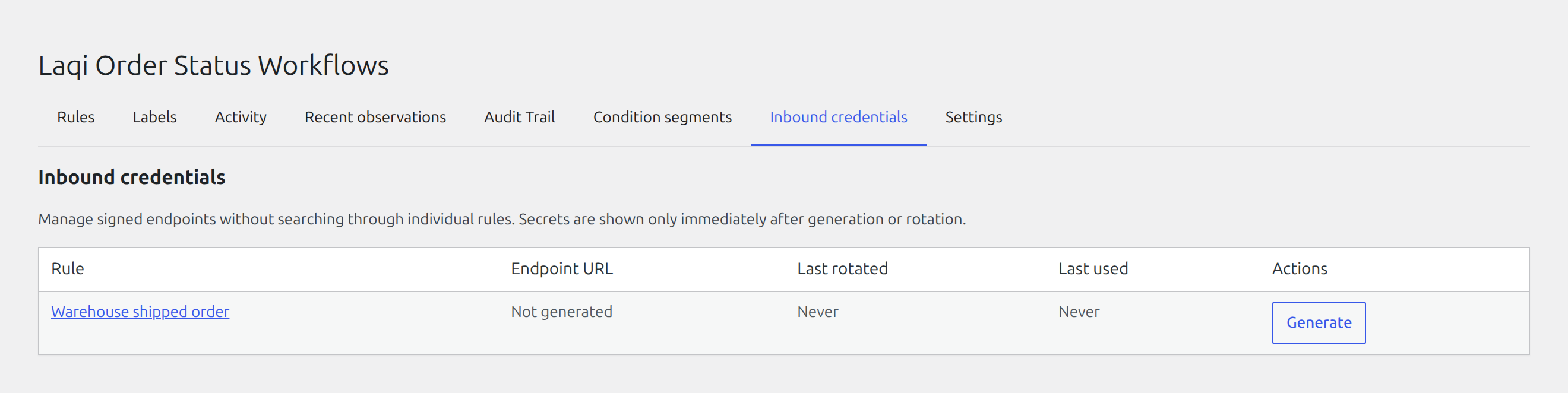
Find, rotate, or revoke every inbound credential from one Premium management tab.
A Premium inbound trigger lets an external system request evaluation of one saved rule for one order. The public request route is not authenticated as a WordPress user; it is authenticated with the rule’s HMAC credentials.
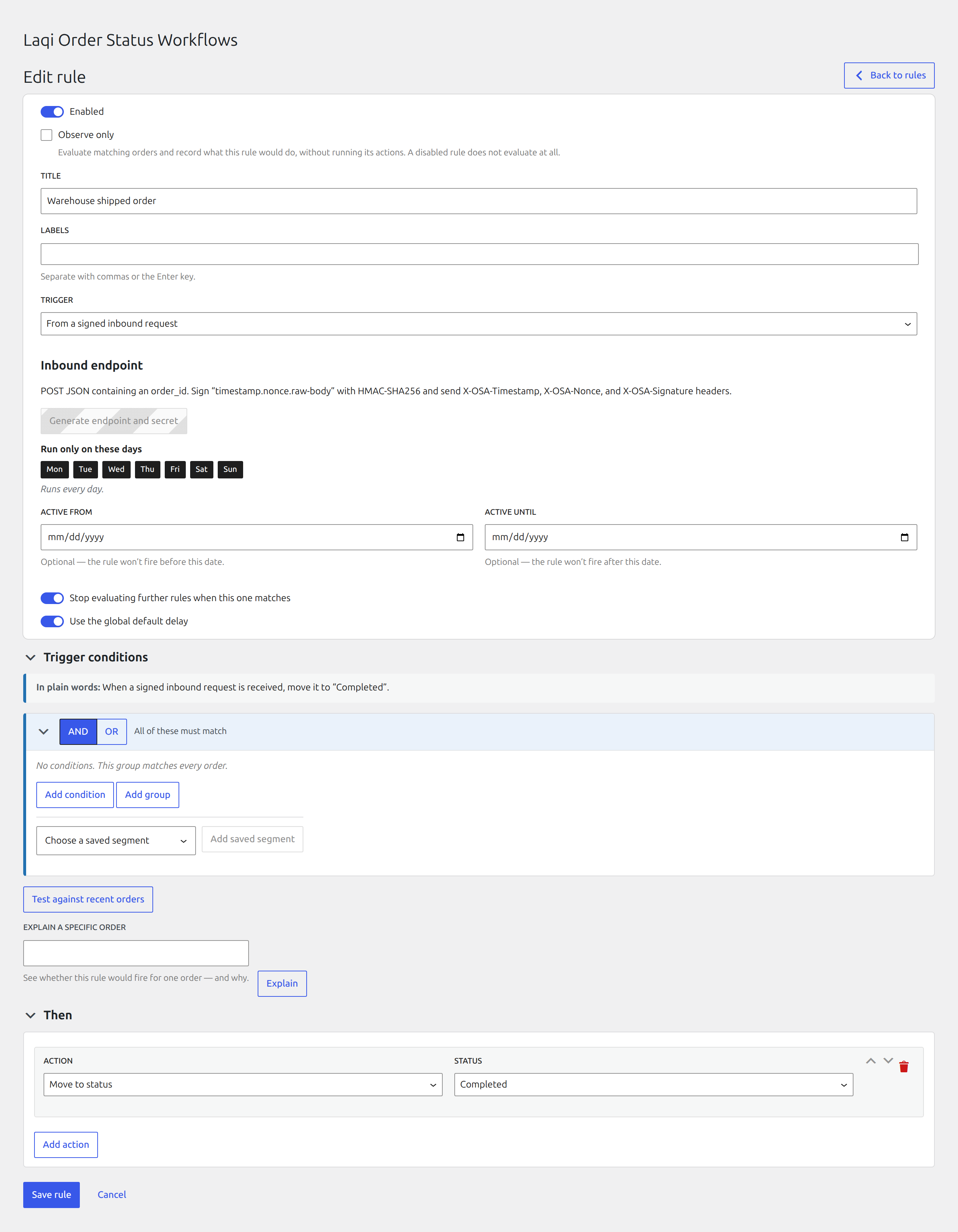
Save an inbound rule before generating credentials. The rule editor then exposes its endpoint controls, while Inbound credentials provides one place to manage every inbound rule without searching through the rule list.
The table shows each complete /wp-json/laqi-osa/v1/inbound/... endpoint URL, its rotation time, and its last successful use. Open the owning rule from the table, rotate its secret, or revoke the endpoint immediately. The signing secret is displayed only once after generation or rotation.
Create credentials
Select the inbound trigger and save the rule before opening its Inbound endpoint panel. Copy the endpoint and secret into the sending system. Treat the secret like a password: never put it in browser code, screenshots, tickets, or a public repository.
Rotating credentials creates a replacement secret with a 24-hour overlap so the sender can be updated without an immediate outage. Remove the old secret from the sender after the transition.
Sign requests
The sender includes the required timestamp, nonce, order ID, and HMAC signature. The plugin rejects invalid signatures, stale timestamps, reused nonces, requests over the rate limit, paused automation, and orders that do not satisfy the saved rule.
Use HTTPS and keep clocks synchronized. A failed request should be retried with a new nonce, not by replaying the same signed request.
Troubleshoot a rejected request
Verify the timestamp is current, the nonce has not been reused, the signature covers the exact raw request body, the order ID exists, the rate limit is not exceeded, and global automation is not paused.