
Prepare and validate a status CSV
PremiumFormat order IDs and target statuses, then preview every row without changing an order.
Reviewed 2026-08-02
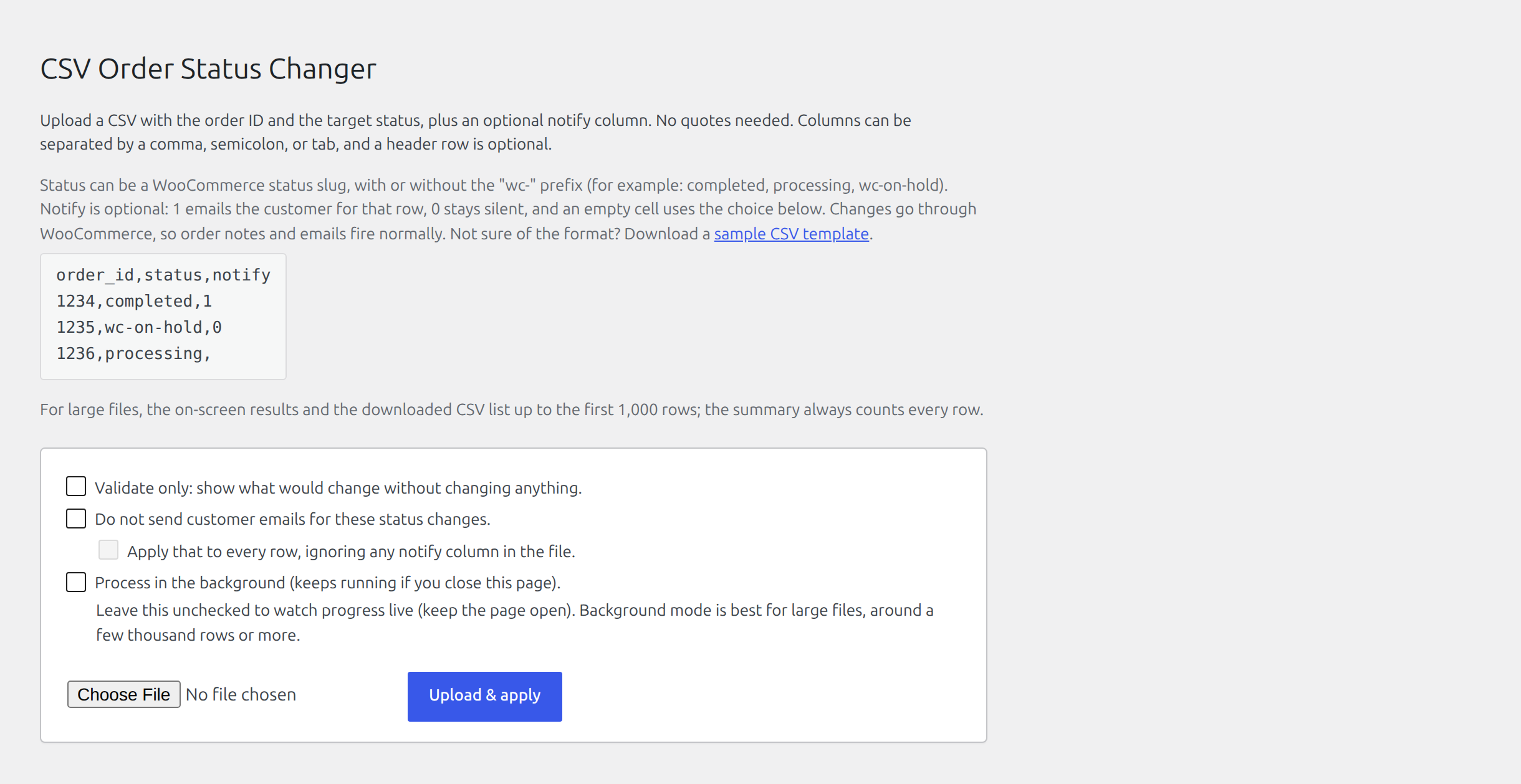
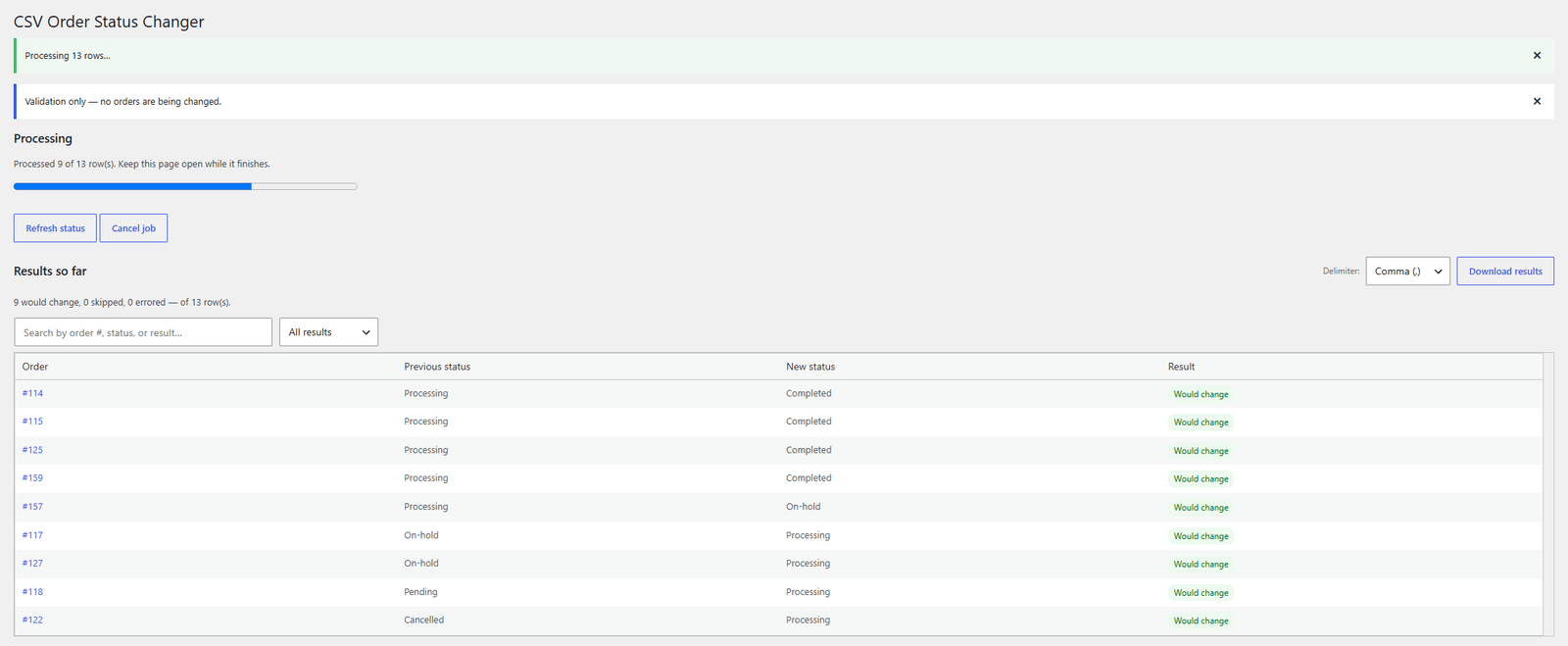
The upload screen shows the column format, including the optional notify column and the wc- prefix rule for statuses.
CSV format
Use two columns: the WooCommerce order ID and target status. A third notify column is optional. A header row is optional too, and columns may be named in any order. Statuses work with or without the wc- prefix.
order_id,status,notify
1234,completed,1
1235,wc-on-hold,0
1236,processing,
Without a header row the file is read positionally as order ID, status, then notify, so files prepared before the column existed continue to work unchanged.
Comma, semicolon, and tab delimiters are detected automatically. Files saved by Excel with a UTF-8 byte order mark are supported.
Download a store-specific sample
Choose Download sample CSV template on WooCommerce → Order Status CSV. The sample uses the statuses currently registered on your store, including statuses added by extensions.
Run validation
- Choose the file on WooCommerce → Order Status CSV.
- Enable Validate only.
- Start the run and inspect every outcome.
- Correct missing orders or unknown statuses in the source file.
- Upload the corrected file and validate again.
Validation does not change orders or send customer email. A Would change result means the row is ready for a real run.