
Run a bulk status update
PremiumChoose interactive or background processing and control a running job.
Reviewed 2026-08-02
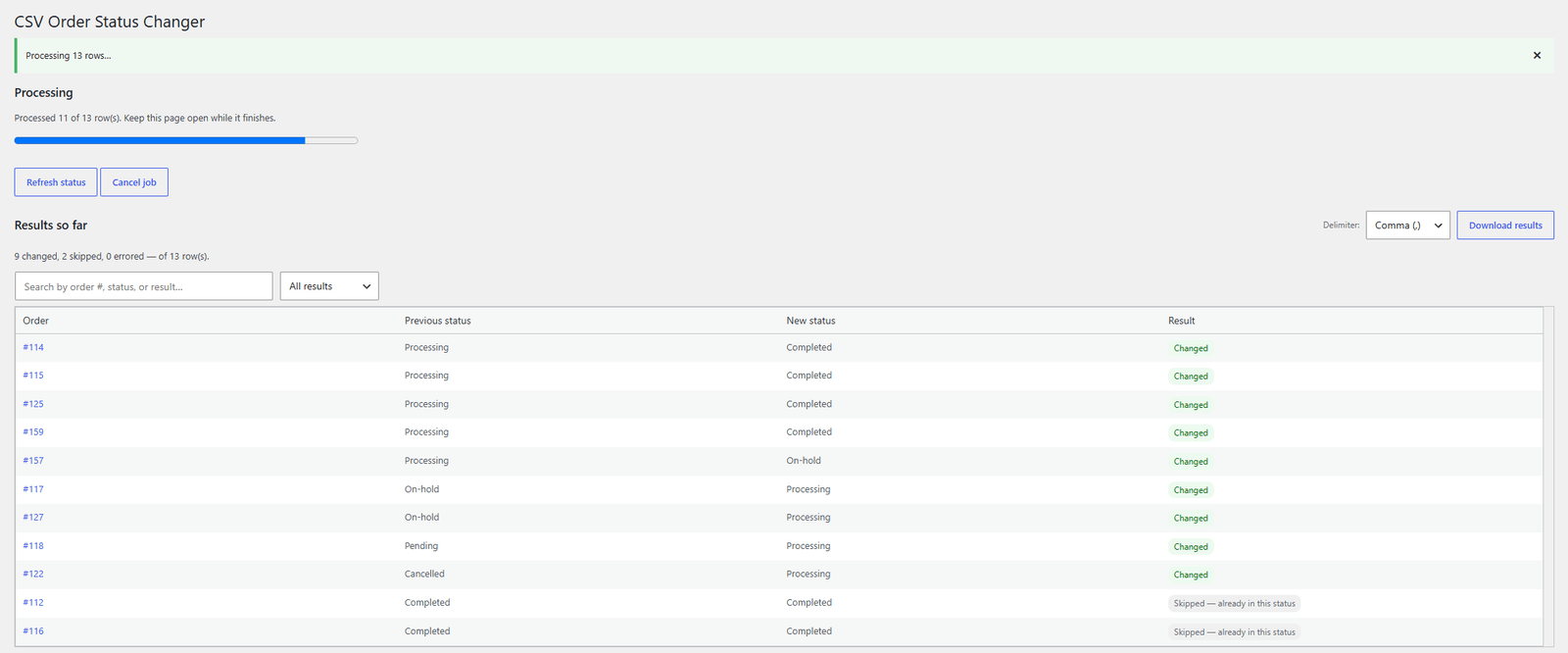
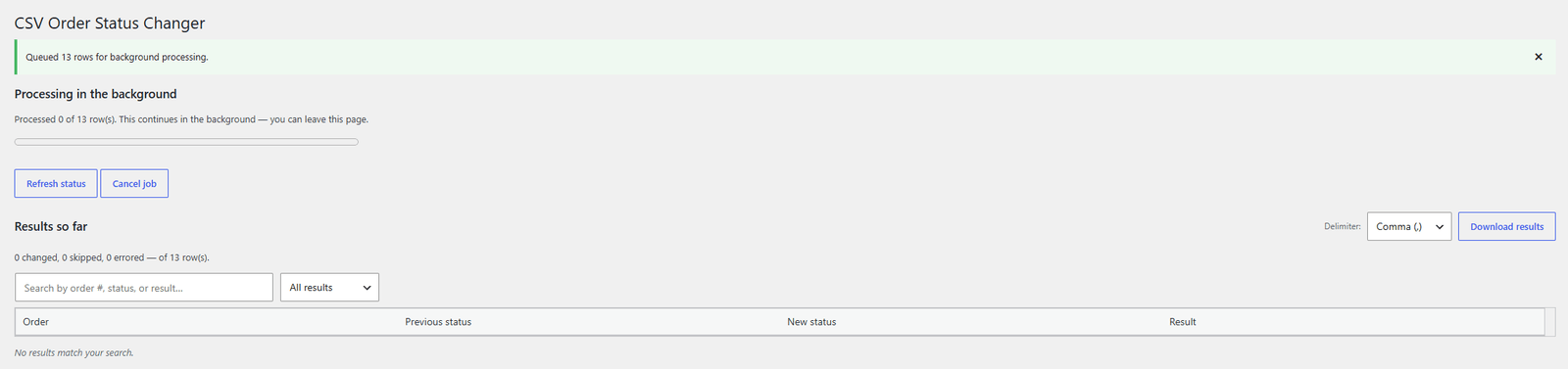
Interactive mode updates the progress bar and result table as it runs.
Before you start
Run the file in validate-only mode first. Confirm the target statuses and decide whether normal WooCommerce customer emails should be sent.
Interactive processing
Interactive mode is the default. The browser requests small chunks of work, so the progress bar and result table update as orders are processed.
Keep the page open until the job finishes. You can cancel from the progress bar if the results show an unexpected pattern.
Background processing
Enable Process in the background for very large jobs or work that should continue after you leave the page. WooCommerce Action Scheduler processes the file in batches.
If WordPress cron stops advancing the job, the screen detects that it is stuck and offers Resume. Check the store’s scheduled-action health if this happens repeatedly.
What an update changes
Every update uses WooCommerce’s order API. It records the same status history and triggers the same status hooks as a manual edit. This also keeps the process compatible with High-Performance Order Storage.