
Observe rules without running actions
PremiumValidate a Premium rule against live order traffic using bounded observation records.
Reviewed 2026-08-05
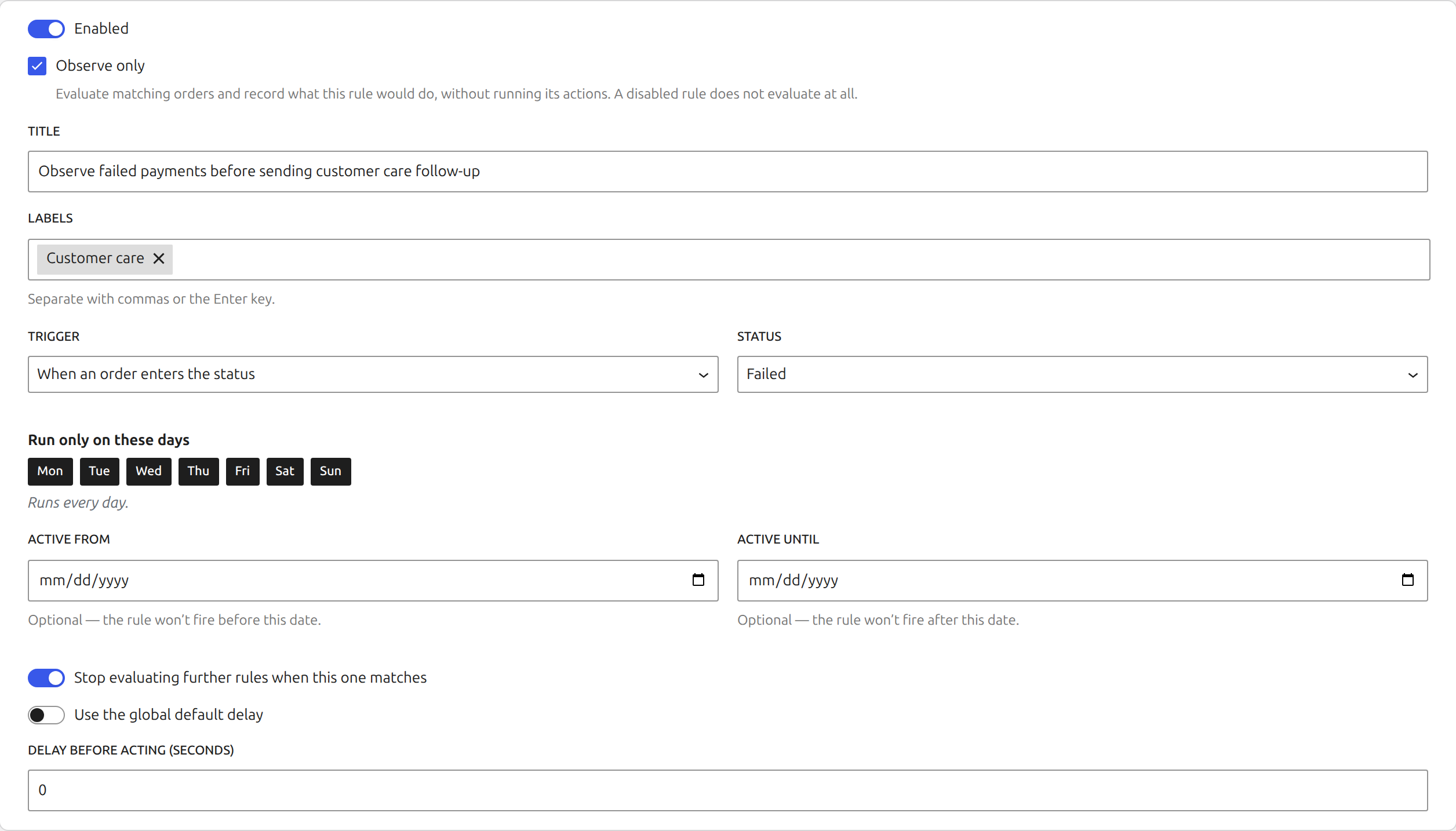
Observe only keeps a saved rule enabled for evaluation while suppressing every action.
Observe mode is a Premium, non-destructive way to validate an enabled rule against live traffic. The plugin evaluates the trigger and conditions and records what would have happened, but does not run the actions.
Start observing
Open a saved rule, enable Observe only, and save it. The rules table shows that the rule is observing rather than acting and provides the row-level control for that state.
Observation is for live events. Use the editor dry run for a quick test against recent orders, or backfill preview for a date-ranged backlog.
Review recent observations
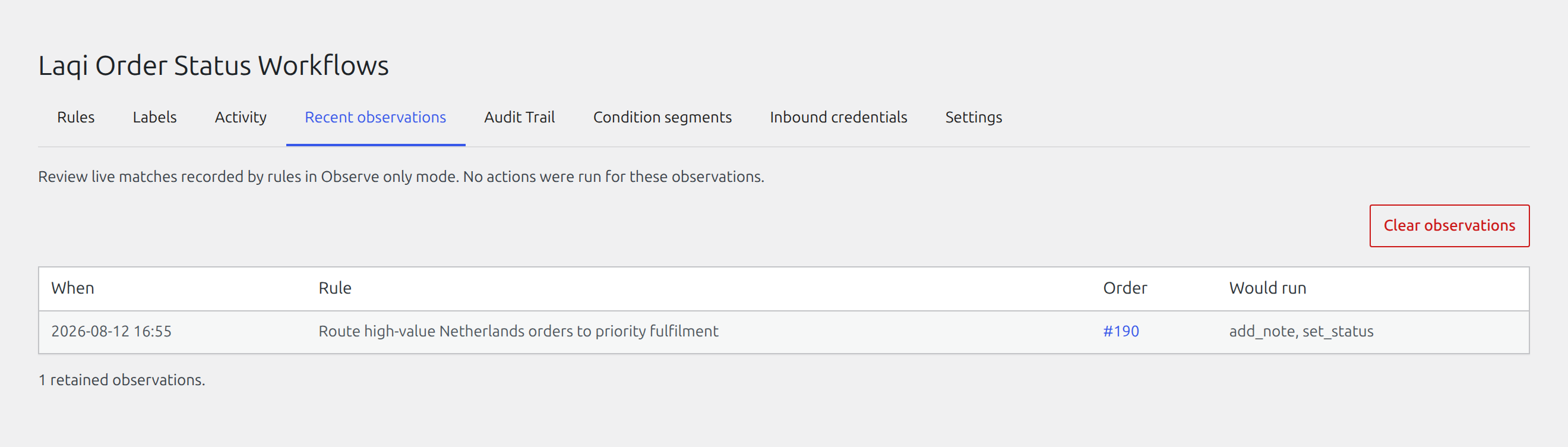
Open Recent observations in the plugin app. Records identify the rule, order, time, and actions that were suppressed. The list is bounded and paginated, so a busy store does not render an unlimited wall of records.
Use Settings to control observation retention by age and maximum row count. Lower limits reduce stored operational data; higher limits retain a longer review window but use more database space.
Move from observation to execution
Review a representative period, investigate unexpected matches, and adjust the rule before turning Observe off. The rule starts executing only after the changed mode is saved. Observation records are evidence, not a queue, so previously observed actions are never replayed automatically.