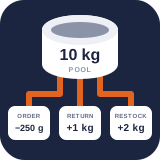
Operations CSV and external integrations
PremiumExchange receiving and reorder data safely, submit idempotent external stock movements, and understand supported WooCommerce adapters.
Reviewed 2026-08-16
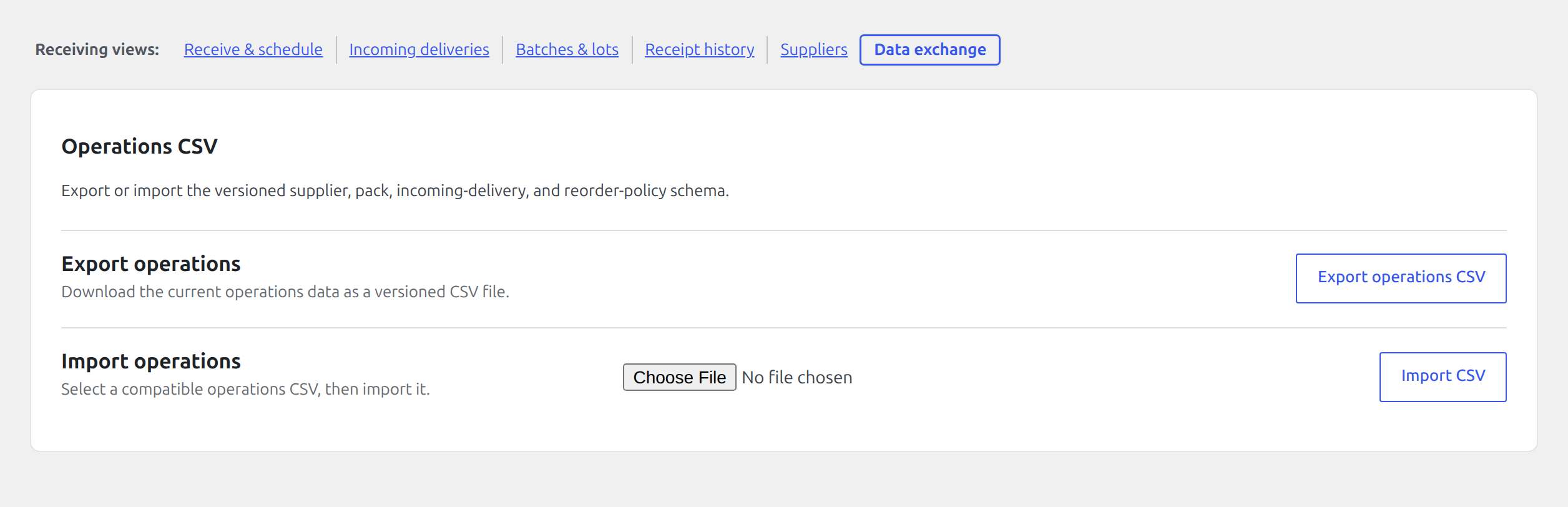
Export the current schema or choose a compatible CSV and import it from the dedicated Data exchange view.
Operations CSV exchange
Find it in WordPress: Products → Unit Stock → Operations → Receiving → Data exchange
The Receiving tab can export and import versioned operations CSV data for supplier packs, incoming deliveries, and reorder-related workflows. Export a fresh template from the same site before preparing an import; column meaning and identifiers are explicit and must not be inferred from display labels.
Before importing:
- keep the header row and version fields unchanged;
- use stable pool, supplier, pack, and external reference identifiers;
- keep quantities in the documented pool or pack unit;
- use valid ISO-style dates where requested;
- preserve leading zeros and identifiers by using a CSV-aware editor;
- back up the database and test with a small file.
Imports report created and already-present rows. Stable identities make a repeated file safe where the mapper supports it; never alter an identifier merely to force a duplicate through.
External movement endpoint
POST /wp-json/laqi-lusm/v1/external-movements
This authenticated endpoint accepts one external event containing an integration key, stable event ID, and movement list. The caller must have manage_woocommerce.
Each movement is validated and passed through the authoritative mutation service. The response contains versioned items with movement ID, resulting normalized balance, and a duplicate flag. Reusing the same integration/event identity makes retries observable without applying stock twice.
Use a distinct integration key per ERP, WMS, POS, or other source. Keep event IDs immutable, send decimal quantities exactly as required by the integration schema, and store the returned movement IDs in the external system.
Supplier purchase-order connections
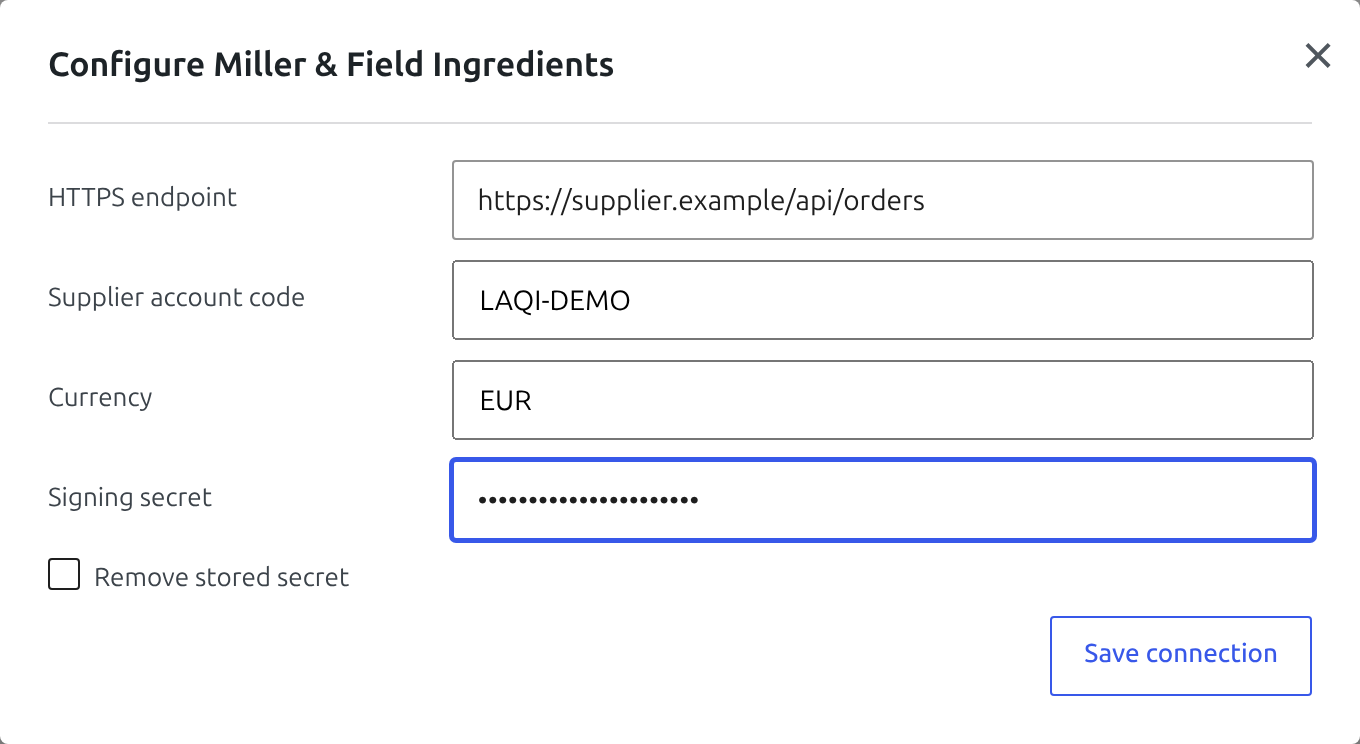
The Reorder view can connect a supplier to a generic signed-JSON HTTPS endpoint. Connection settings include the endpoint, supplier account code, three-letter currency, and signing secret. The secret is stored separately and is never shown again; leaving the field blank keeps the stored value.
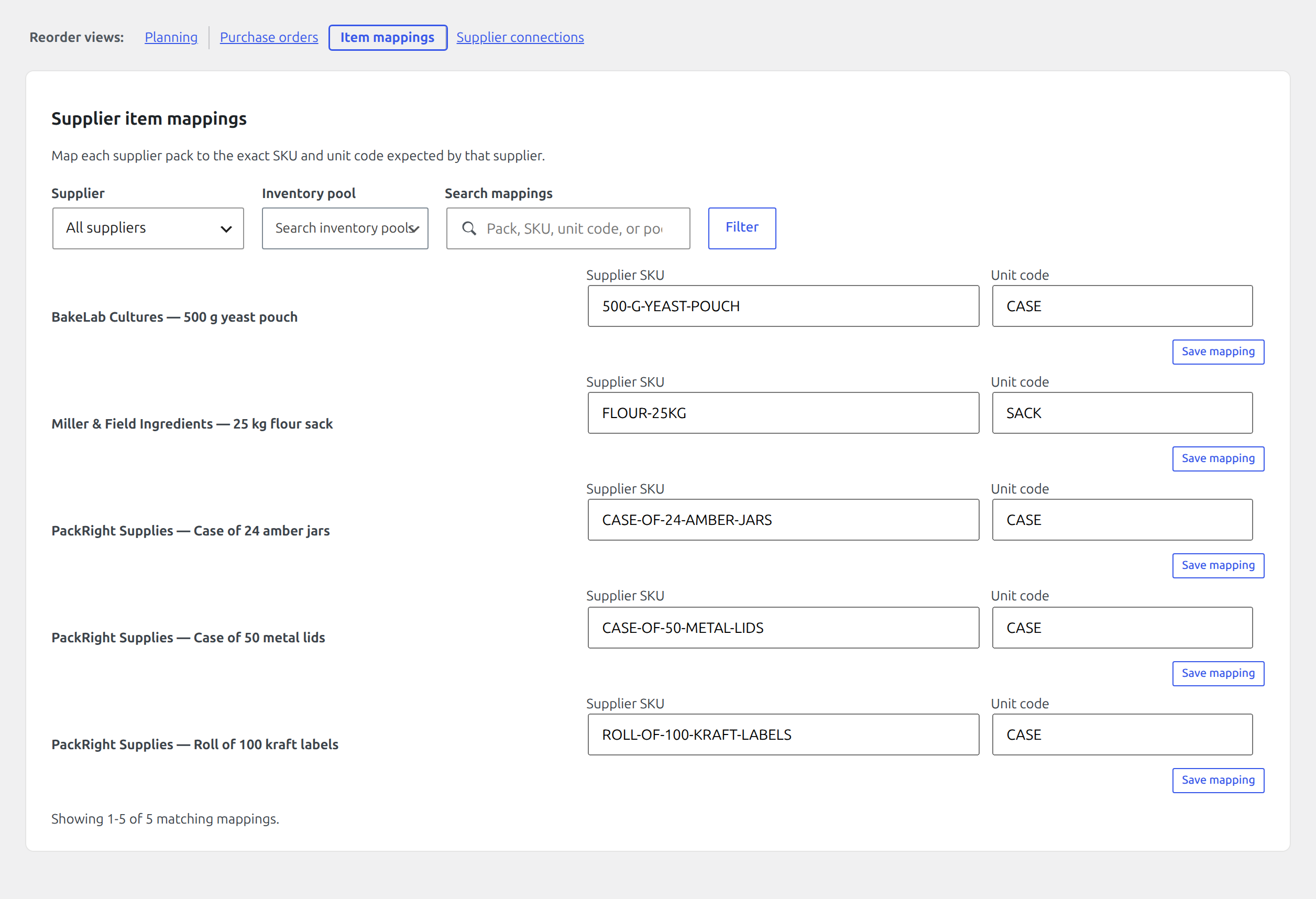
Purchase orders move through draft and approval without network activity. Transmission requires a configured connection, supplier SKU and unit code on the selected pack, an approved order, and a separate Send now confirmation. Each request is signed, carries an idempotency key, and records its attempt and response. Treat an unknown result as potentially accepted and reconcile it with the supplier before retrying.
Supported WooCommerce adapters
Premium adds integration behaviour for:
- Product Bundles and Composite Products: container lines are excluded while mapped child lines consume pooled stock normally.
- WooCommerce Subscriptions: mapped renewal items participate in the order-stock lifecycle through the renewal adapter.
- Mobile lookup and counts: SKU/global-ID lookup and idempotent stocktake endpoints documented in Mobile stocktaking.
Test the exact extension configuration in staging. A third-party product structure is safe only when the actual stock-bearing child lines reach the WooCommerce order lifecycle once.
Integration checklist
- Authenticate with the least-privileged account able to manage WooCommerce stock.
- Use HTTPS and keep credentials outside source control.
- Generate stable idempotency/event keys before the first attempt.
- Treat any non-success response as unapplied until the ledger proves otherwise.
- Reconcile returned movement IDs and balances.
- Search Activity by integration/source after a test event.
- Alert on repeated failures; do not silently fall back to direct database writes.