
Laqi CSV Order Status Changer documentation
PremiumStart here to install the plugin and understand the safe bulk-update workflow.
Reviewed 2026-08-02
Laqi CSV Order Status Changer takes a two-column file, checks every row, and updates orders through WooCommerce. The normal workflow is prepare, validate, run, review.
Requirements
| Component | Minimum version |
|---|---|
| WordPress | 6.8 |
| WooCommerce | 7.1 |
| PHP | 7.4 |
Install the plugin
- Install and activate WooCommerce.
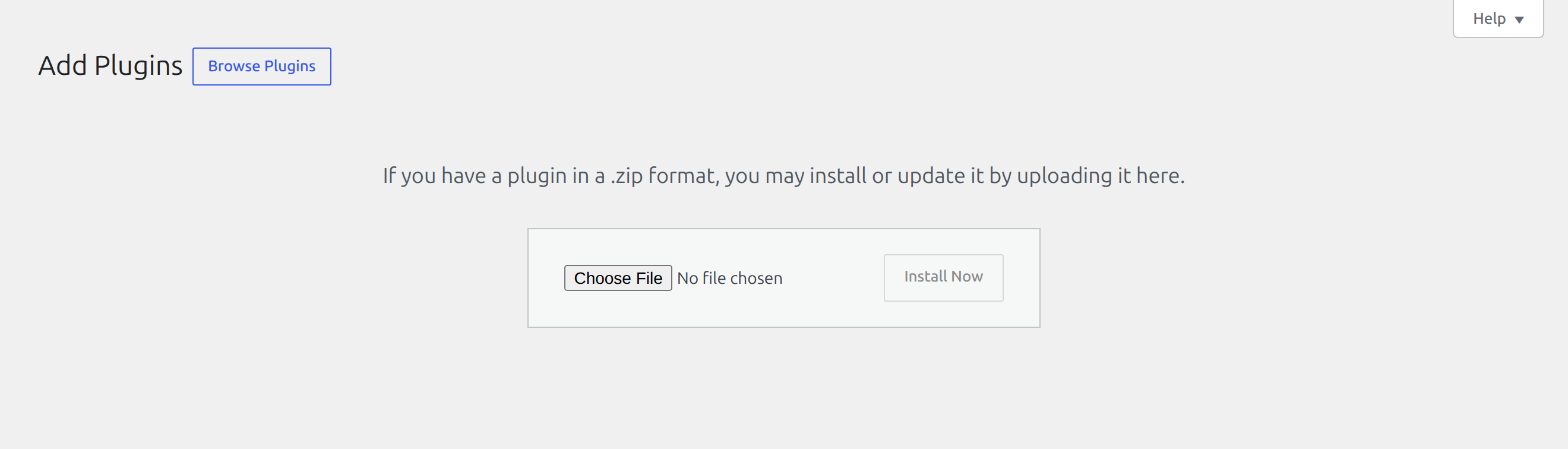
- Go to Plugins → Add Plugin → Upload Plugin.
- Select the plugin ZIP, choose Install Now, then Activate Plugin.
- Open WooCommerce → Order Status CSV.

Where to start
- Prepare and validate a CSV covers the file format and a dry run.
- Run a status update explains interactive and background processing.
- Results and customer emails explains outcomes, exports, and notification control.
- Troubleshooting covers upload limits, stuck jobs, unknown statuses, and failed rows.
- Developer hooks cover batch tuning, logging, notes, and completion integrations.