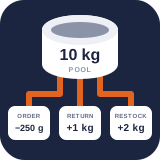
Manage stock and manual adjustments
Search and inspect pools, understand sellable quantities, and record accountable stock corrections.
Reviewed 2026-08-15
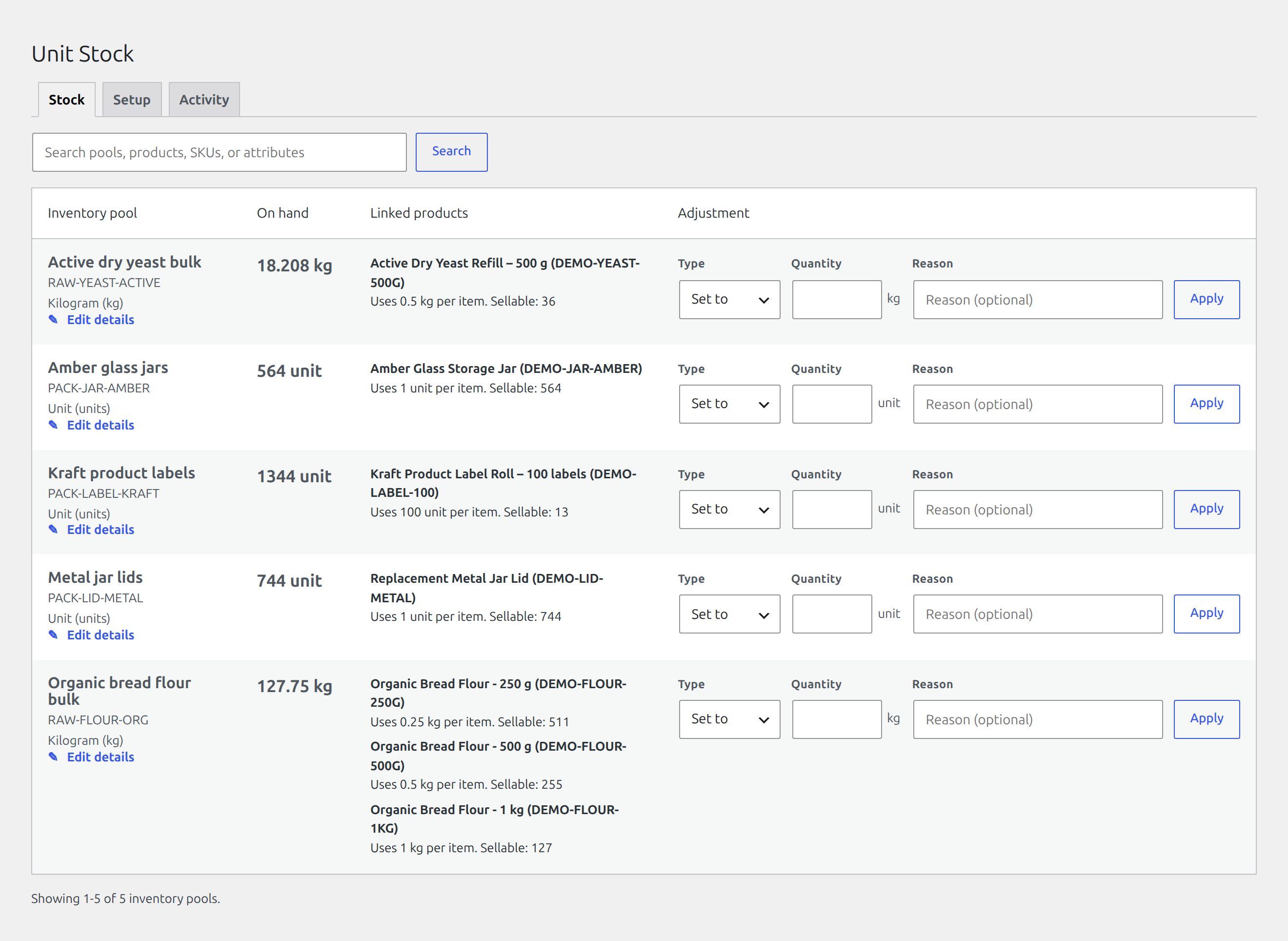
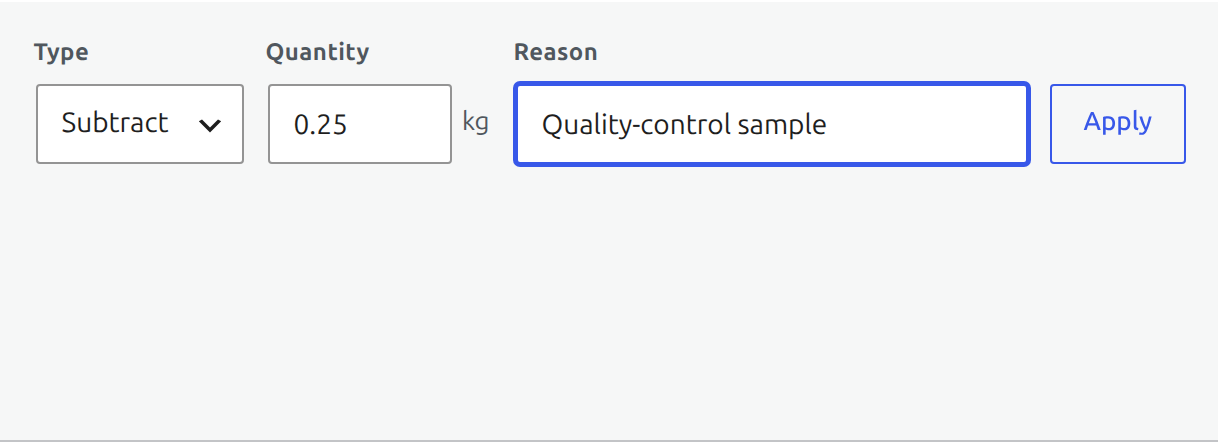
The Stock overview keeps the authoritative balance, linked packages, and adjustment controls together.
The Stock tab is the daily Free inventory view. It shows 25 pools per page and searches across pool names, internal SKUs, linked product names, product or variation SKUs, and variation attributes.
Find it in WordPress: Products → Unit Stock → Stock
Read a pool row
- Inventory pool contains editable name, internal SKU, and display unit fields.
- On hand is the authoritative physical balance.
- Linked products lists each mapped item, its consumption per sold item, computed sellable quantity, and any diagnostics.
- Adjustment records a set, addition, or subtraction in the pool’s display unit.
Sellable quantity is the whole number of items the available pool can satisfy. A remainder smaller than one item’s consumption stays in the physical balance but cannot supply another item.
Record an adjustment
- Find the pool and confirm its current on-hand value.
- Choose Set to, Add, or Subtract.
- Enter the exact quantity in the unit shown beside the field.
- Enter a useful reason, especially for a correction after a physical count.
- Choose Apply, then confirm the success notice and resulting balance.
Use Set to for an authoritative count. Use Add or Subtract when the difference itself is known. Pro can suggest reusable reasons and require an extra capability for changes above a configured percentage.
Every successful change goes through the same atomic mutation service as orders and integrations. It creates an append-only movement containing the delta, resulting balance, actor, source, and reason.
Avoid unsafe corrections
- Investigate Activity before changing an unexplained balance.
- Do not compensate for an order movement twice; confirm whether WooCommerce has already reduced or restored it.
- Use Pro’s typed loss or batch workflow when the event is specifically waste, expiry, quarantine, transfer, or receiving. Those workflows retain better operational meaning.
- A rejected subtraction means the requested result violates the pool’s availability policy. Recheck the quantity rather than splitting the same correction into smaller entries.