
Actions reference
Configure the core actions included with the Free rule engine.
Reviewed 2026-08-05

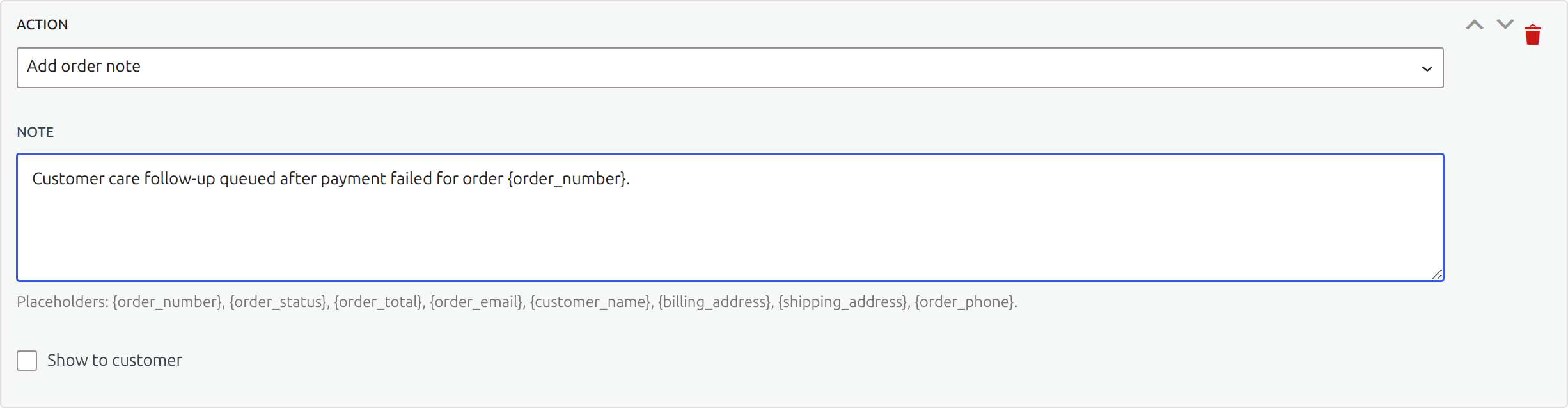





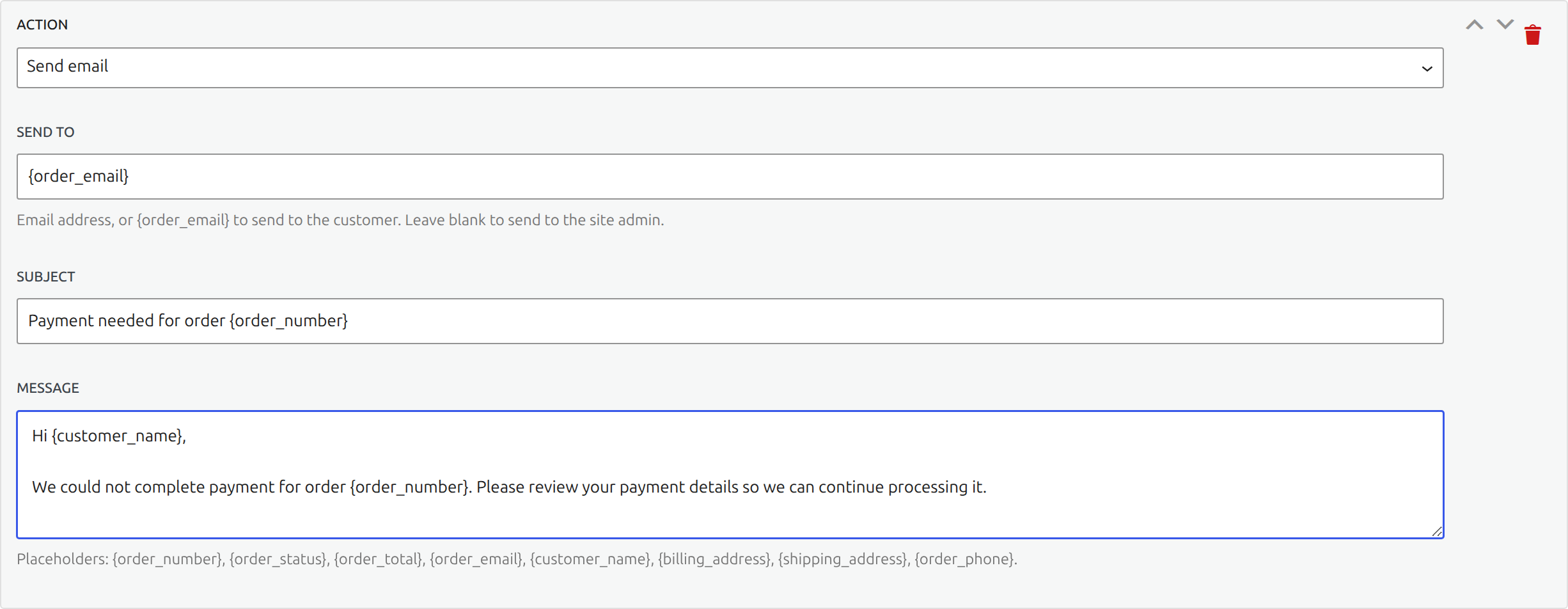
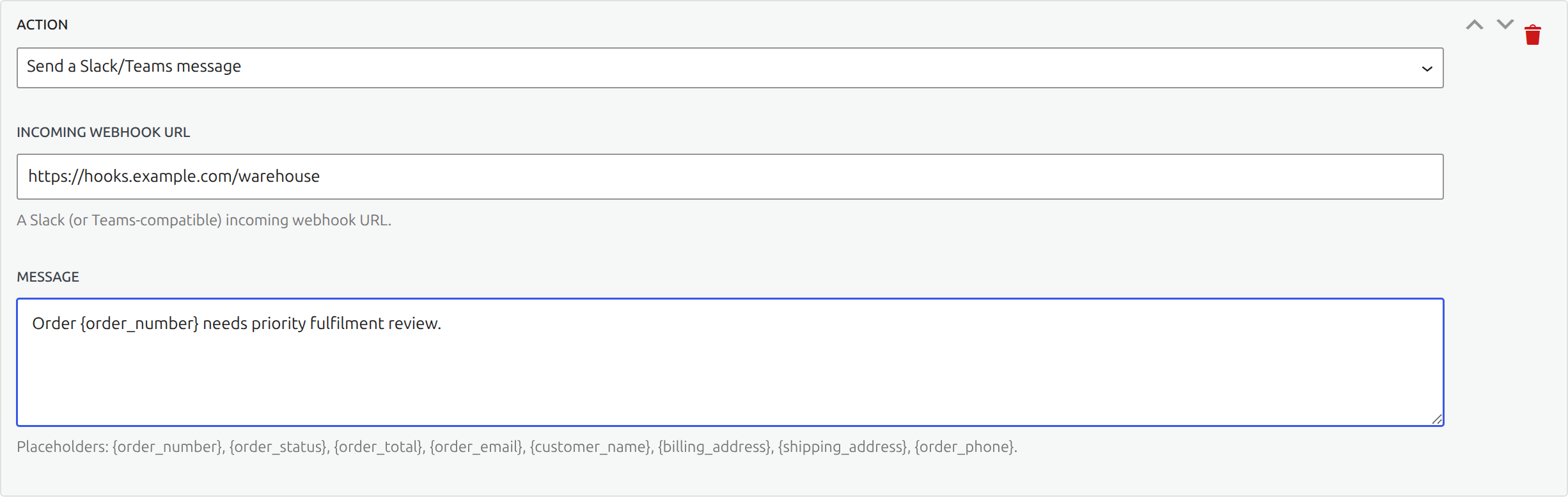
Move a matching order to a selected WooCommerce status.
Order actions
- Move the order to another status.
- Add a private or customer-facing order note.
- Add or remove an order tag.
- Assign the order to a staff user.
- Set custom order meta. Protected financial and address keys cannot be overwritten.
Actions run from top to bottom. Put the status change where its timing makes sense relative to notifications and external calls.
Email and message actions
Send a templated email or post to Slack or Microsoft Teams through an incoming webhook. Subject, recipient, notes, messages, and payloads can use placeholders such as {order_number}, {order_status}, {order_total}, {order_email}, and {customer_name}.
Use {order_email} as the recipient only when the rule is intentionally contacting the customer. Test the rendered content with a real test order before enabling the rule.
Webhook action
The webhook action sends JSON to the configured URL and signs the request with HMAC-SHA256. Webhook, Slack, and Teams delivery runs in the background and retries with backoff after a failure.
Treat destination URLs and signing secrets as credentials. Use HTTPS and rotate a secret if it has been exposed.
Chained rules
A status action can cause another rule to run for the new status. This is supported, and a loop guard prevents endless cycles. Keep chains short and inspect Activity after testing so the full sequence remains easy to understand.