
Export the findings
PremiumDownload the open findings as CSV, all of them or one check at a time.
Reviewed 2026-09-10
Requires the Laqi Product Data Checks Pro add-on.
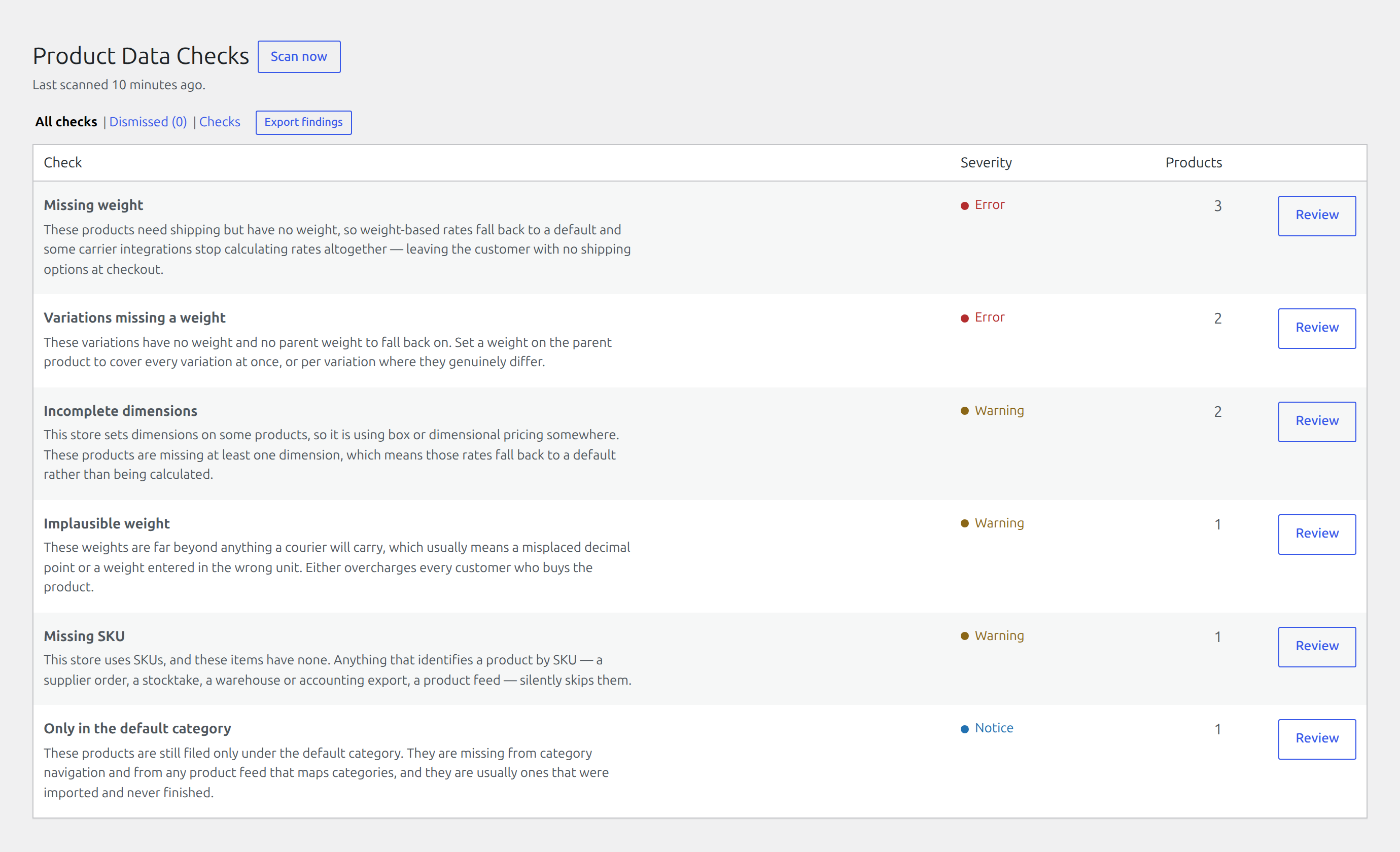
Pro adds an export action to the findings screen. It downloads the open findings as a CSV, either all of them or one check at a time when you have a check open.
What is in the file
One row per finding, carrying both the check’s key and its readable name: the key for a script or a spreadsheet formula to match on, the name for the person who has to act on it.
Each row also names the product or variation the finding belongs to, so the file is a work list rather than a summary.
What is not in it
Dismissed findings are left out. The export is the work list, and a dismissal is a decision that the work is not needed.
If the licence lapses
The export action stops being offered, and the endpoint refuses if it is reached directly. Nothing already downloaded is affected.