
Entry triggers and rule timing
Run a Free rule when an order enters a status and control when its actions may execute.
Reviewed 2026-08-05
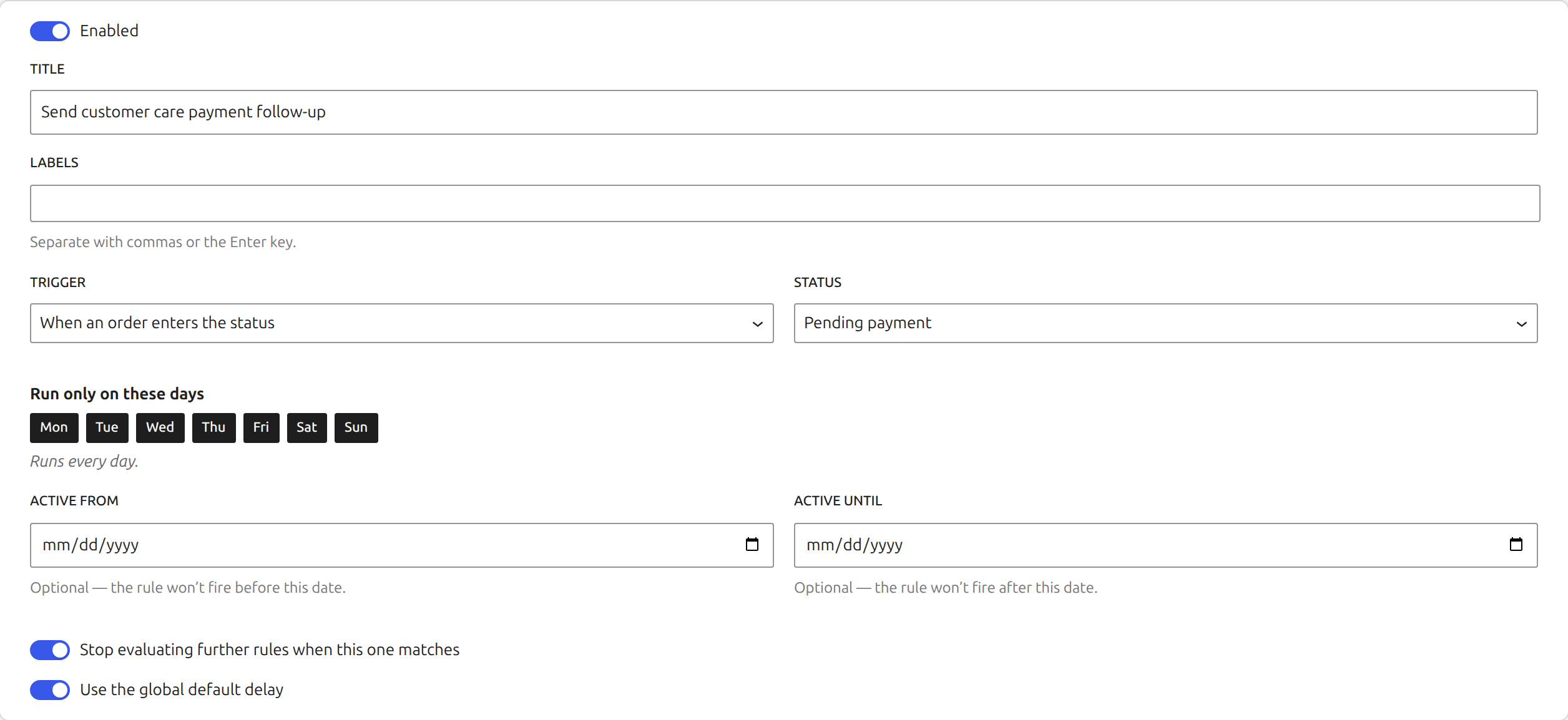
When an order enters a status
An entry rule reacts to a status transition from checkout, an admin edit, the REST API, WP-CLI, or another plugin. Use this when the decision should follow a new event, such as routing a newly processing order.
This trigger and the complete core rule engine are included in free.
Settling delay
The settling delay gives shipping, ERP, print-on-demand, and other integrations time to read the original status before automation acts.
The order and its conditions are checked again when the delay ends. If the order has moved or no longer matches, the action does not run. Set a global default in Settings and override it only where a rule needs a different delay.
Limit when a rule may run
Select weekdays to stop a rule running on other days. Add an active-from and active-until date for seasonal workflows or planned campaigns. These checks use the WordPress site timezone.