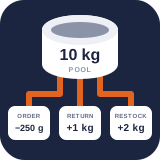
Activity and stock troubleshooting
Read the immutable Free movement history and investigate an unexpected balance without losing evidence.
Reviewed 2026-09-10
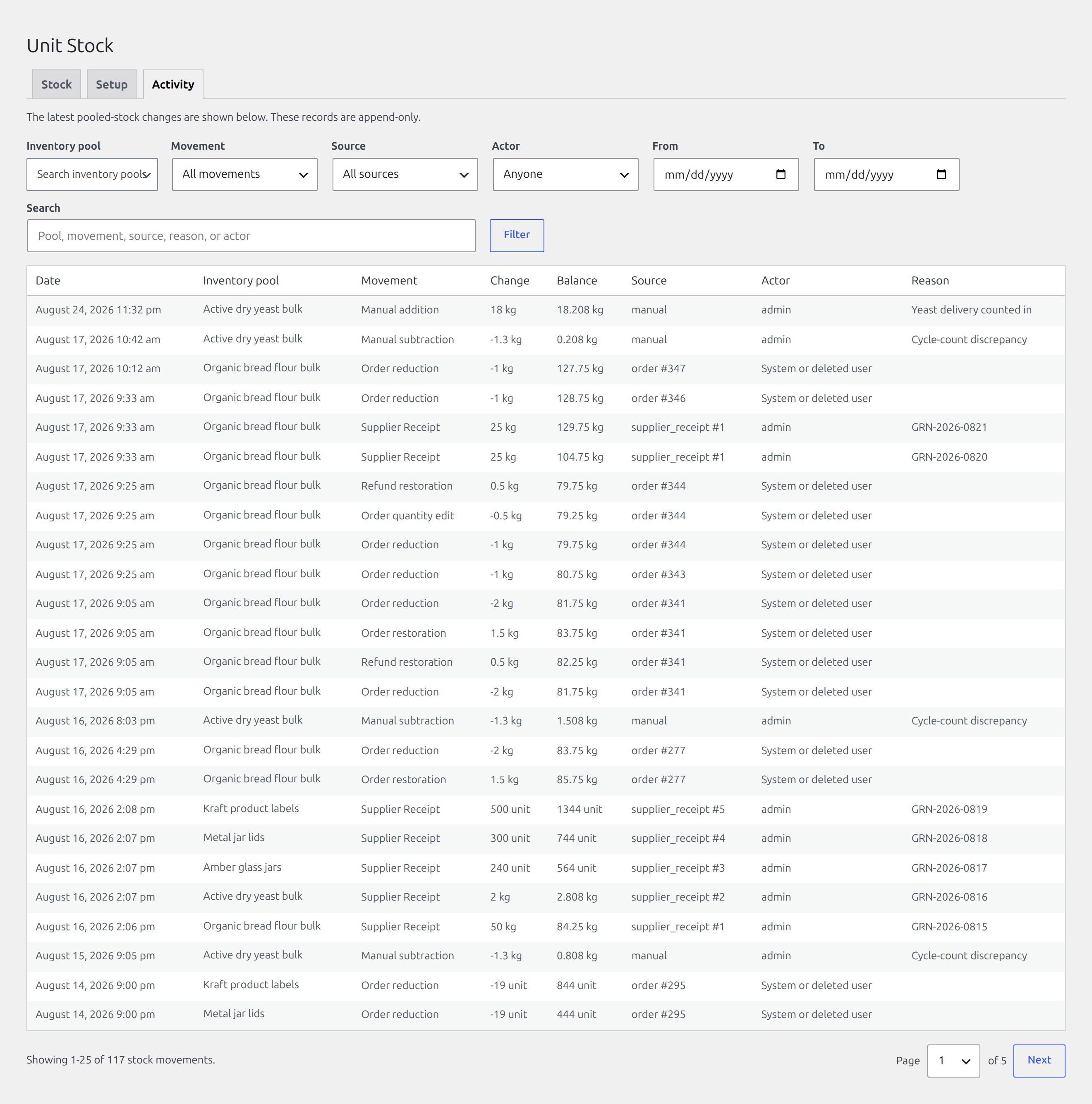
The Activity tab shows the latest pooled-stock movements, 50 per page. The records are append-only: corrections create new movements rather than rewriting history.
Find it in WordPress: Products → Unit Stock → Activity
Read the columns
- Date uses the WordPress site date and time settings.
- Inventory pool identifies the affected authoritative balance.
- Movement distinguishes opening stock, manual changes, order reductions, restorations, refunds, migrations, and registered extension types.
- Change is the signed quantity applied.
- Balance is the resulting pool balance after that movement.
- Source identifies an order, integration, or system event where available.
- Reason contains the staff or workflow explanation.
Source answers what caused a movement, such as an order, supplier receipt, or manual adjustment. Actor answers who performed it. If a user is later erased through WordPress privacy tools, the association is anonymized while the inventory evidence remains.
Investigate an unexpected balance
- Confirm the current pool, unit, and linked mappings on Stock.
- Find the last known-correct balance in Activity.
- Follow each later delta and resulting balance in time order.
- Match order sources against WooCommerce order notes, quantities, cancellations, and refunds.
- Check whether a manual migration, mapping transfer, or correction already accounted for the difference.
- If Pro is active, review Anomalies and inspect batch or supply-state records; Pro also adds a CSV export of the filtered view.
- Only then record a correction, with a reason describing the evidence.
Common problems
A product is unexpectedly unavailable: check combined cart demand, consumption, Pro safety stock/holds, and mapping diagnostics. On-hand stock is not always the same as available-to-sell stock.
A refund did not appear to restore stock: verify that the refund requested a restock, that the item had previously been reduced, and that the movement was not already restored.
Native and pooled quantities disagree: review the existing-stock choice saved with the mapping. For normal pooled operation, native item quantity management should not impose an unintended second limit.
A mapping edit is blocked: reload the current mapping and retry. Version checks prevent one administrator from silently overwriting another administrator’s more recent edit.
A custom unit cannot be retired: it is still used by a pool or another active custom definition.