
Test and troubleshoot rules
Dry-run Free rules, explain an order, and diagnose on-entry or delivery failures.
Reviewed 2026-08-05
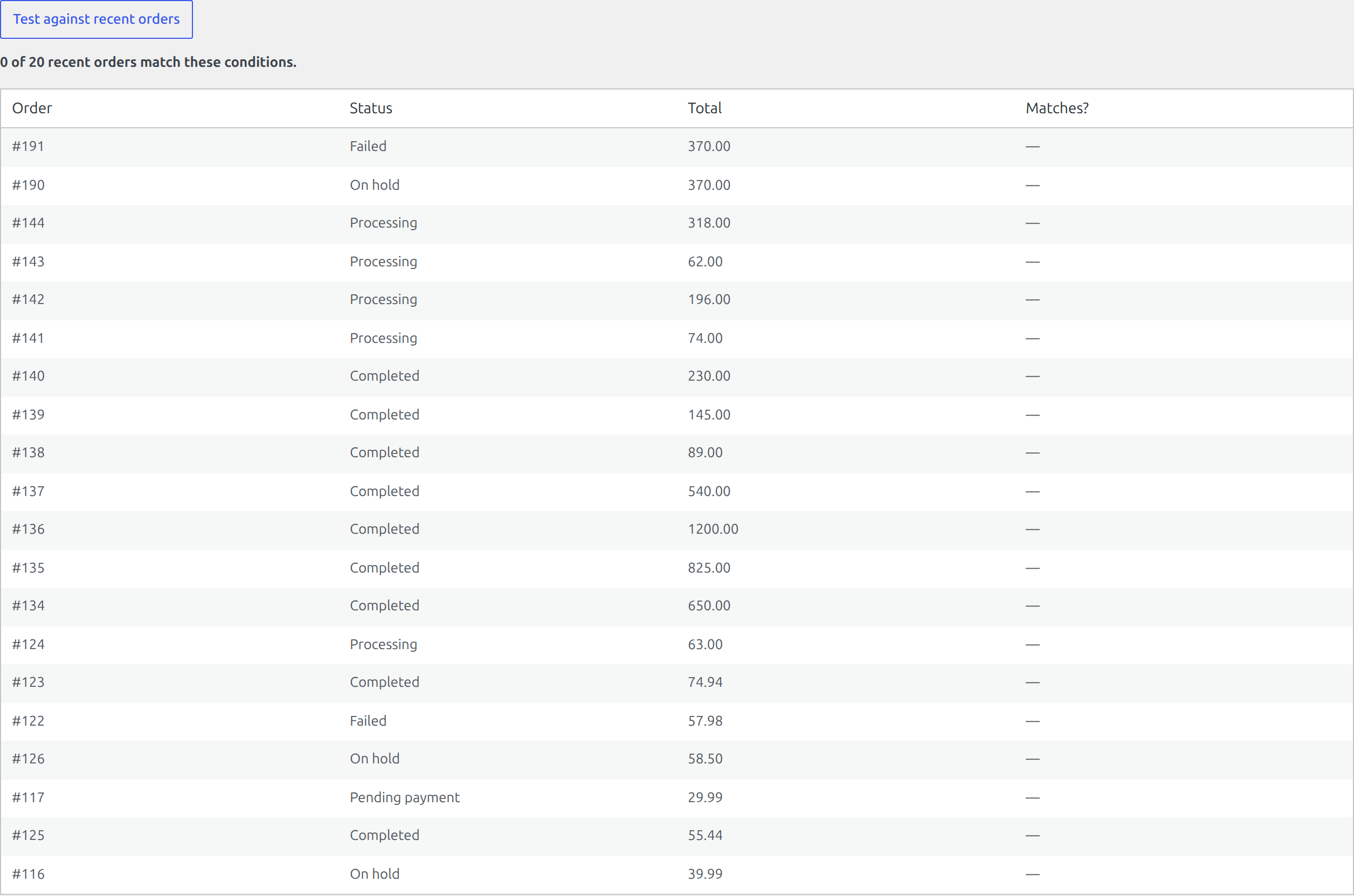
Test before enabling
Use the rule editor’s test tools to compare a rule with recent orders. A dry run reports matches without running the actions. Use a staging store or purpose-built test orders for rules that contact customers or external services.
Explain one order
Select a specific order to see the trigger and schedule gates, each condition, the actual order value, and whether it matched. This is the fastest way to find a country, status, product, or metadata value that differs from what the rule expects.
A rule did not run
Check these in order:
- The rule and global automation are enabled.
- The order entered the configured trigger status after the plugin was active.
- The settling delay has elapsed.
- The weekday and active date window allow the rule to run.
- Every required condition still matches at execution time.
- Action Scheduler is processing queued work.
A notification failed
Enable delivery logging and inspect WooCommerce → Status → Logs. Confirm the URL uses HTTPS, the destination accepts the request, and a firewall is not blocking outbound traffic. Background delivery retries temporary failures with backoff.
Command-line diagnosis
Developers with WP-CLI access can use wp osa preview for dry-run counts and wp osa explain <order_id> --rule=<rule_id> for a condition-by-condition trace.