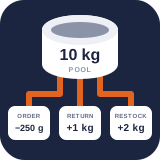
Stock reports and scenario planning
PremiumEmail scheduled inventory snapshots and model a non-mutating product-demand scenario against shared stock.
Reviewed 2026-08-15
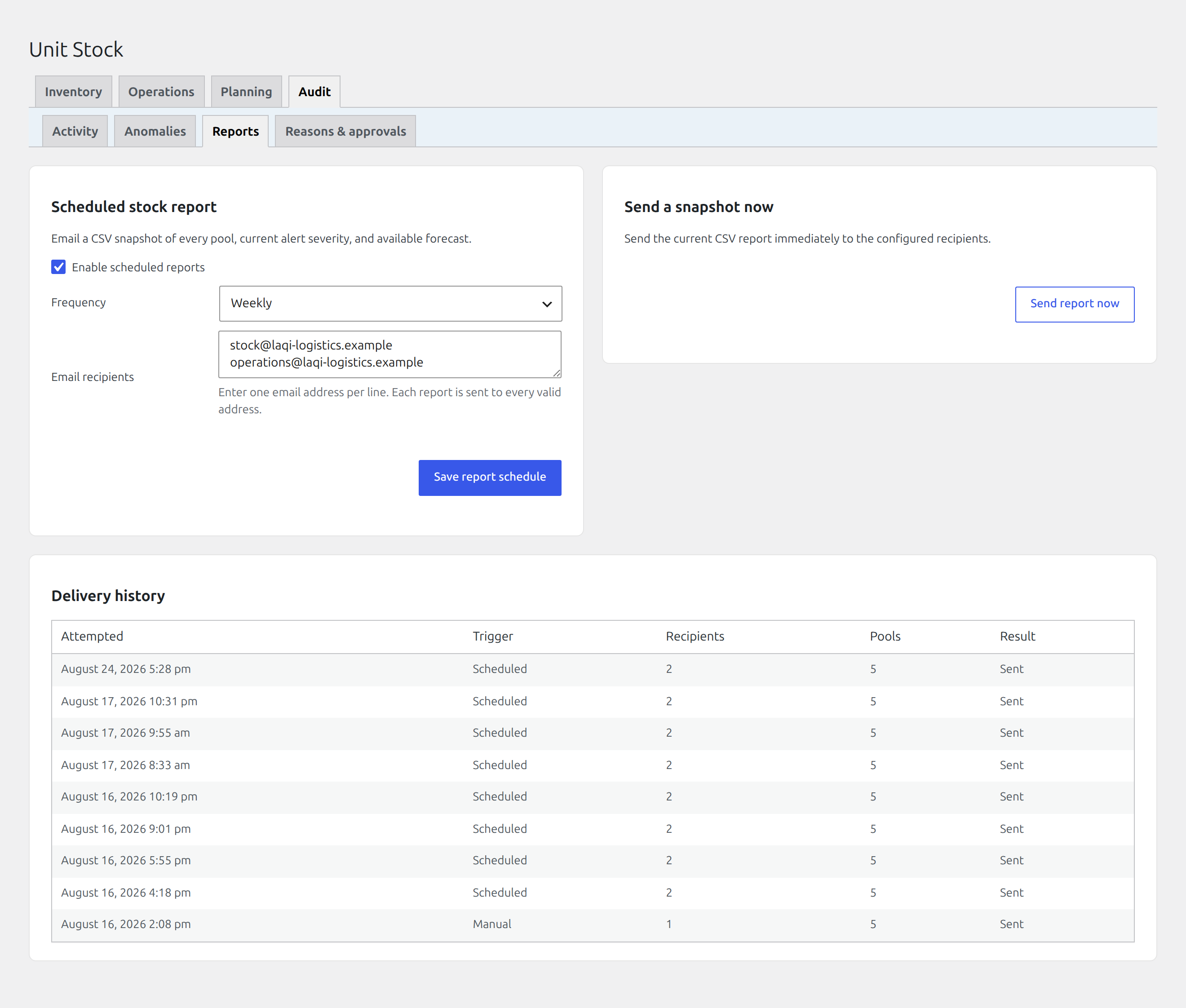
Schedule inventory snapshots and verify recent report deliveries.
Schedule stock reports
Find it in WordPress: Products → Unit Stock → Audit → Reports
The Reports tab emails a CSV snapshot of every inventory pool, current alert severity, and available forecast.
- Enable scheduled reports.
- Choose daily or weekly frequency.
- Enter one recipient email address per line.
- Save the schedule.
Use Send report now to verify mail delivery and content before relying on the schedule. WordPress cron is traffic-driven on many sites; for reliable timing, connect WordPress cron to a real server scheduler.
Delivery history records attempted time, manual or scheduled trigger, recipients, pool count, and success or failure. A sent status confirms that WordPress handed off the message; downstream mail delivery still depends on the site’s email provider.
The CSV is a point-in-time report, not an import template and not a replacement for the movement ledger.
Model a stock scenario
Find it in WordPress: Products → Unit Stock → Planning → Planner
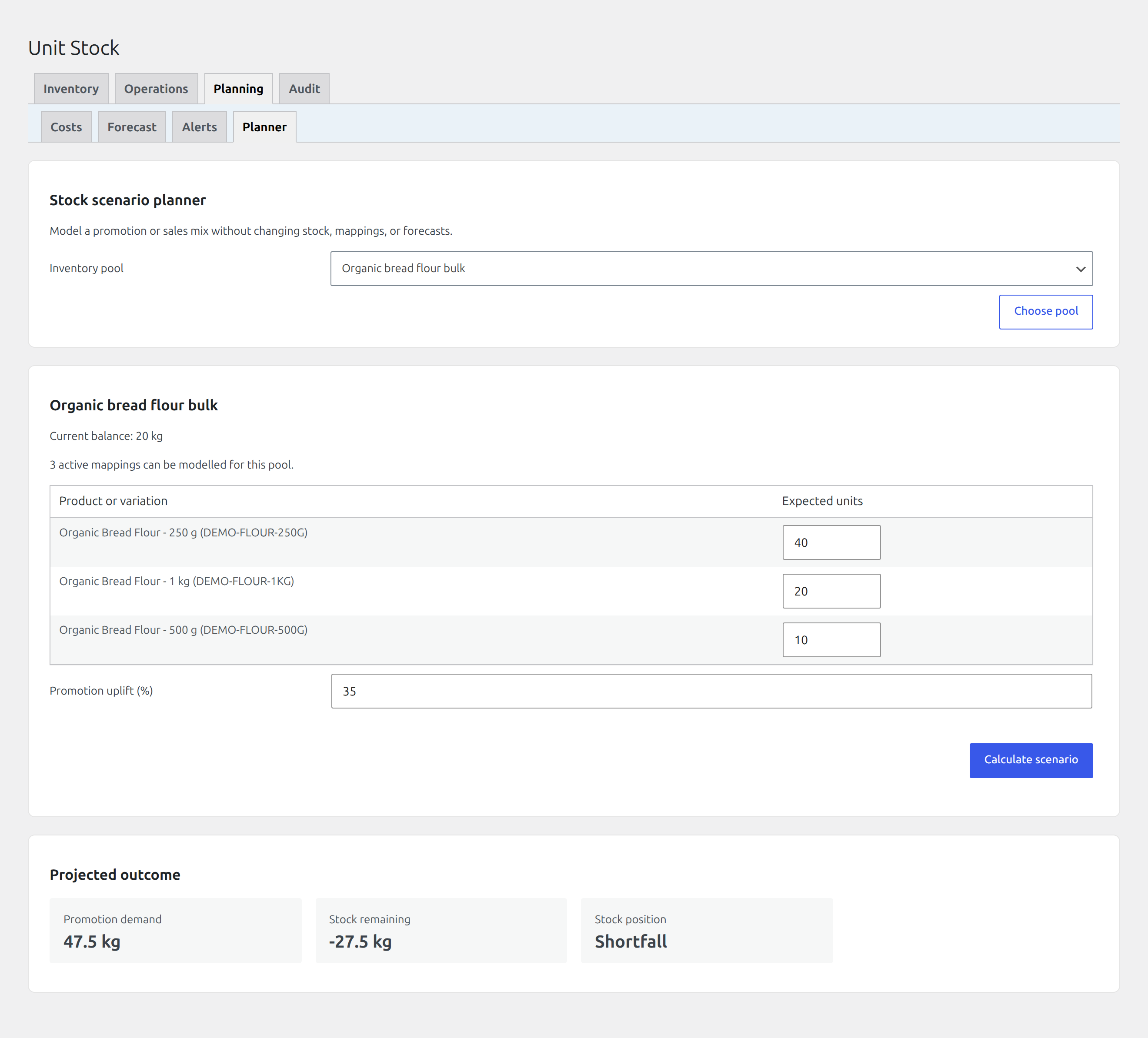
The Planner tab models how a proposed product mix would consume one inventory pool without changing live stock.
- Choose the inventory pool you want to test.
- Enter the expected number of units for each linked product or variation.
- Enter an optional promotion uplift percentage.
- Select Calculate scenario.
The projected outcome shows total demand, stock remaining, whether the pool has enough stock, and projected days of cover when forecast data is available. Use it to compare a planned promotion or sales mix with the current physical balance before committing to it.
What the planner does not do
- It does not reserve stock or create an order or cart.
- It does not alter demand history, mappings, forecasts, or balances.
- It does not replace checkout’s final atomic availability check.
Use an actual WooCommerce order or an explicit supply-state hold when a quantity must be committed.